

远程办公协作
Remote office collab
文件版本、断线重连、双端剪贴板习惯。适合小组作业与文档改稿练习。
Versions, reconnect habits, clipboard flow for group edits.
协作笔记 →Collab notes →
对照公开资料整理跨平台连接、画面流畅度、权限与排障。提到 ToDesk 等名称仅作话题关键词。本站只提供图文阅读,不提供软件下载、账号注册或官方客服。
Cross-platform connection, smoothness, permissions, and troubleshooting. Product names are topic keywords only. Reading only — no downloads, signup, or official support.
按顺序阅读即可建立完整心智模型;每一步都有独立短文,可收藏反复对照。
Read in order for a full mental model; each step is a short reusable guide.
身份确认、权限最小化、网络环境。
Identity, least privilege, network readiness.
阅读入门 →Read start →分辨率、帧率与卡顿的权衡清单。
Resolution, FPS, and lag trade-offs.
阅读 FAQ →Read FAQ →邀请链接、临时码、结束后断开。
Invite links, temp codes, disconnect after.
阅读安全 →Read safety →输入法、DPI、快捷键映射笔记。
IME, DPI, shortcut mapping notes.
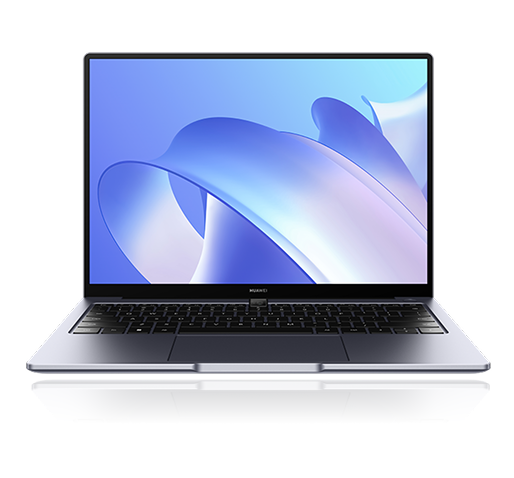
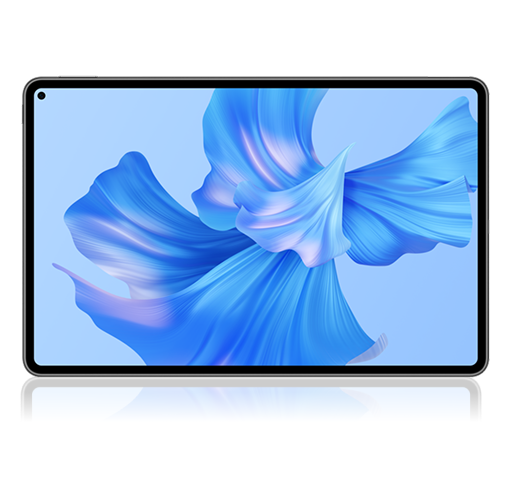
阅读习惯 →Read habits →桌面、笔记本、平板在远控场景中的常见差异,仅供对照学习。
Common differences across desktop, laptop, and tablet — for study only.
文件版本、断线重连、双端剪贴板习惯。适合小组作业与文档改稿练习。
Versions, reconnect habits, clipboard flow for group edits.
协作笔记 →Collab notes →
先旁观再授权、问题复现步骤、结束后收回权限。课堂互助常用流程。
View-first, reproduce steps, revoke access after class help.
协助清单 →Support checklist →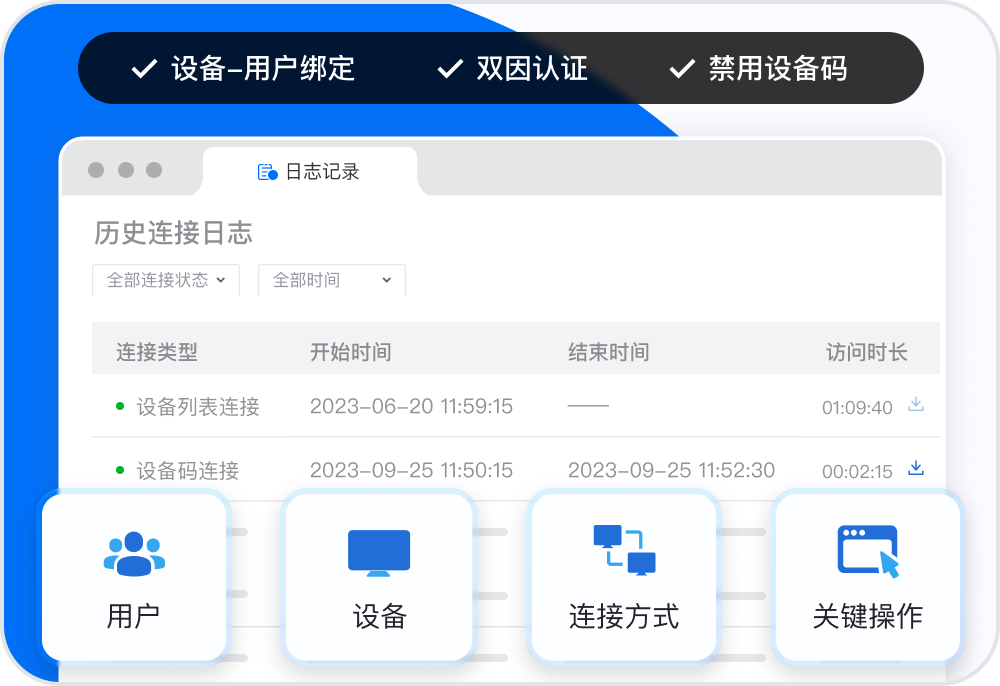
连接日志、临时码、隐私屏与锁屏收尾。个人设备保护要点。
Connection logs, temp codes, privacy screen and lock after.
安全检查 →Safety checks →配图免责:部分示意图取材于公开网络宣传图(含厂商官网可见素材),仅供远程桌面概念学习示意。本站非 ToDesk 官方站点,未获商标或素材授权,不提供对应产品或服务;权利归属原权利人,如有异议请联系本站删除。
Image disclaimer: some diagrams are public marketing art (including materials visible on vendor sites) for study only. Not official ToDesk; no trademark or asset license; no product/service offered. Rights remain with owners — contact us to remove.



优先稳定帧率与可读文字,分辨率可略降;适合课堂投屏讲解。
Prefer stable FPS and readable text; lower resolution is fine for teaching.
需要更高清晰度与色彩还原时,先确认两端带宽与编解码能力。
For sharper detail and color, verify bandwidth and codecs on both ends.
Logo / 场景图免责:仅作行业学习参考示意,不代表本站与图中任何企业存在合作、代言或授权关系;商标归各权利人所有。
Logo / scene disclaimer: study reference only — no partnership, endorsement, or license. Trademarks belong to their owners.
身份、权限、网络、有效期、文件备份。
Identity, permissions, network, expiry, backups.
演示与细操作的不同设置思路。
Different settings for demos vs detail work.
DPI 不一致时如何减少「看不清字」。
Keep text readable when DPI differs.
域名、只读/旁观、未知插件。
Domain, view-only, unknown plugins.
先备份,再确认最后保存位置。
Back up first; know the last save.
管理员策略与审计概念整理。
Admin policy and audit concepts.
不是。远控笔记是独立学习博客,与 ToDesk 厂商无关联、无授权。名称仅为话题关键词;商标与品牌归权利人所有。官方下载与客服请以 todesk.com 等厂商站点为准。
No. Independent study blog — no affiliation or license with ToDesk. Names are keywords only; trademarks belong to owners. Use official vendor sites for downloads and support.
否。配图部分为公开可见的宣传/概念示意图,仅作教学排版示意,不表示获得官方授权或可商用。若权利人要求下架,本站将配合删除。
No. Some images are publicly visible marketing/concept art for teaching layout only — not a license. We will remove on rights-holder request.
不可以。本站不提供安装包、下载按钮或账号登录,只提供文字与配图阅读。
No. No installers, download buttons, or account login — text and images only.
会按学习笔记持续补充跨平台与排障条目,日期写在文章页。
Yes — cross-platform and troubleshooting notes are updated over time with dates on each page.
站点说明与配图免责:远控笔记是个人学习教程站,内容仅供参考。与 ToDesk 及任何厂商无关联、无合作、无授权。不提供账号注册、客户端下载或官方客服。页面配图(含产品示意、设备图、企业 Logo 墙等)取材于公开网络宣传素材,仅作概念学习示意,不构成商标使用许可或代言;权利归原权利人,异议可要求删除。
About & image disclaimer: Personal study site only. No affiliation, partnership, or license with ToDesk or other vendors. No signup, downloads, or official support. Images (product art, devices, logo walls) are public marketing materials for illustration only — not a trademark license or endorsement. Rights remain with owners; we remove on request.